AI image generator for the picture in your brief

Bring a scene into focus with the MAGI-2 AI image generator. Describe what the viewer should notice first, or start from a reference and explore a different framing.

Composition

Give the AI image generator a visual decision to make

A useful image settles a question. Where will the character enter? Can someone recognize the product at thumbnail size? Will a caption cover the detail that matters? Pick one question before you use the AI image generator. The answer tells you which parts of the prompt deserve detail and which parts you can leave open.

01

Set the AI image generator viewpoint

Tell the AI image generator where the viewer stands. Looking down on a table shows the arrangement of objects. Looking across it describes their height and gives the setting a horizon. For a storyboard, include a landmark that can carry across the cut, such as a window at the back of the room. Someone reading the boards can then follow a character between two shots without guessing where the camera went.
02

Guide the AI image generator with a reference

When the selected model accepts a picture, choose one that clearly shows the feature you want to keep. Ask the AI image generator to preserve the shape of a handle as you try a softer light. If a second attempt changes the handle, compare its outline against your reference before changing anything else. This gives you a practical way to decide whether the next revision needs clearer wording or a better source picture.

03

Build a crop into the brief

A wide composition with two people at opposite edges may lose both faces in a square crop. Tell the AI image generator which person or object must survive. Leave clean space near a product for a price or caption you plan to add in your layout. When you inspect the AI image generator preview, cover the outer edges with your hands. If the subject disappears, adjust its position before you refine color or texture.

Visual briefs

Three assignments for the AI image generator

Try the same picture as a thumbnail, a storyboard panel and a reference for motion. Each assignment gives the AI image generator a different priority. Read each result at its intended size before deciding which small details to change.

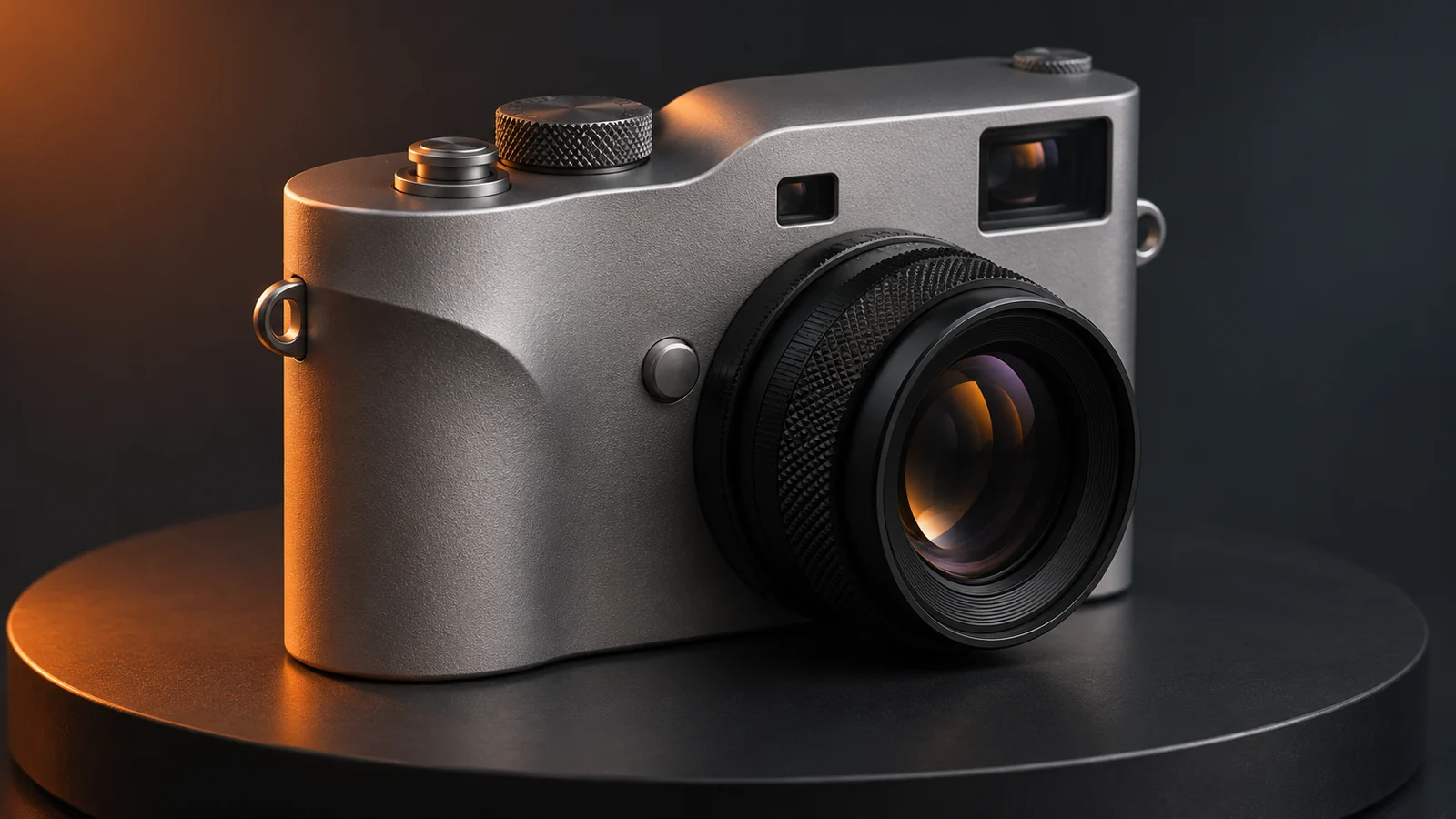
A metal camera dial seen in close-up
Thumbnail

Find the first thing the eye sees

Ask the AI image generator for a single dominant shape. At a glance, you should be able to point to the subject without reading the brief.

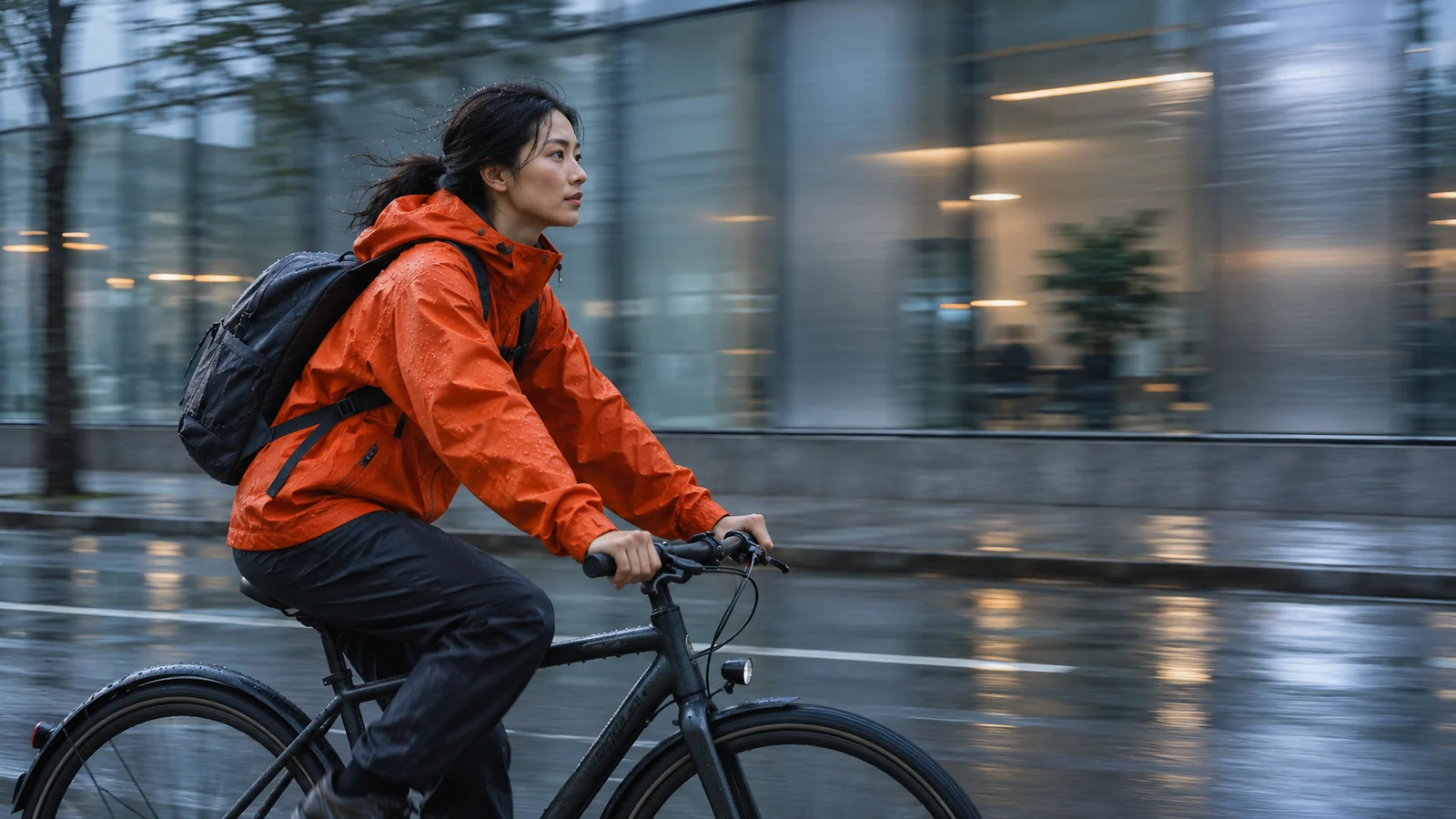
A cyclist in an orange raincoat beside a glass building
Storyboard

Place the viewer in the scene

Use the AI image generator to establish foreground and background. Include one familiar object whose apparent size helps a viewer understand the distance.

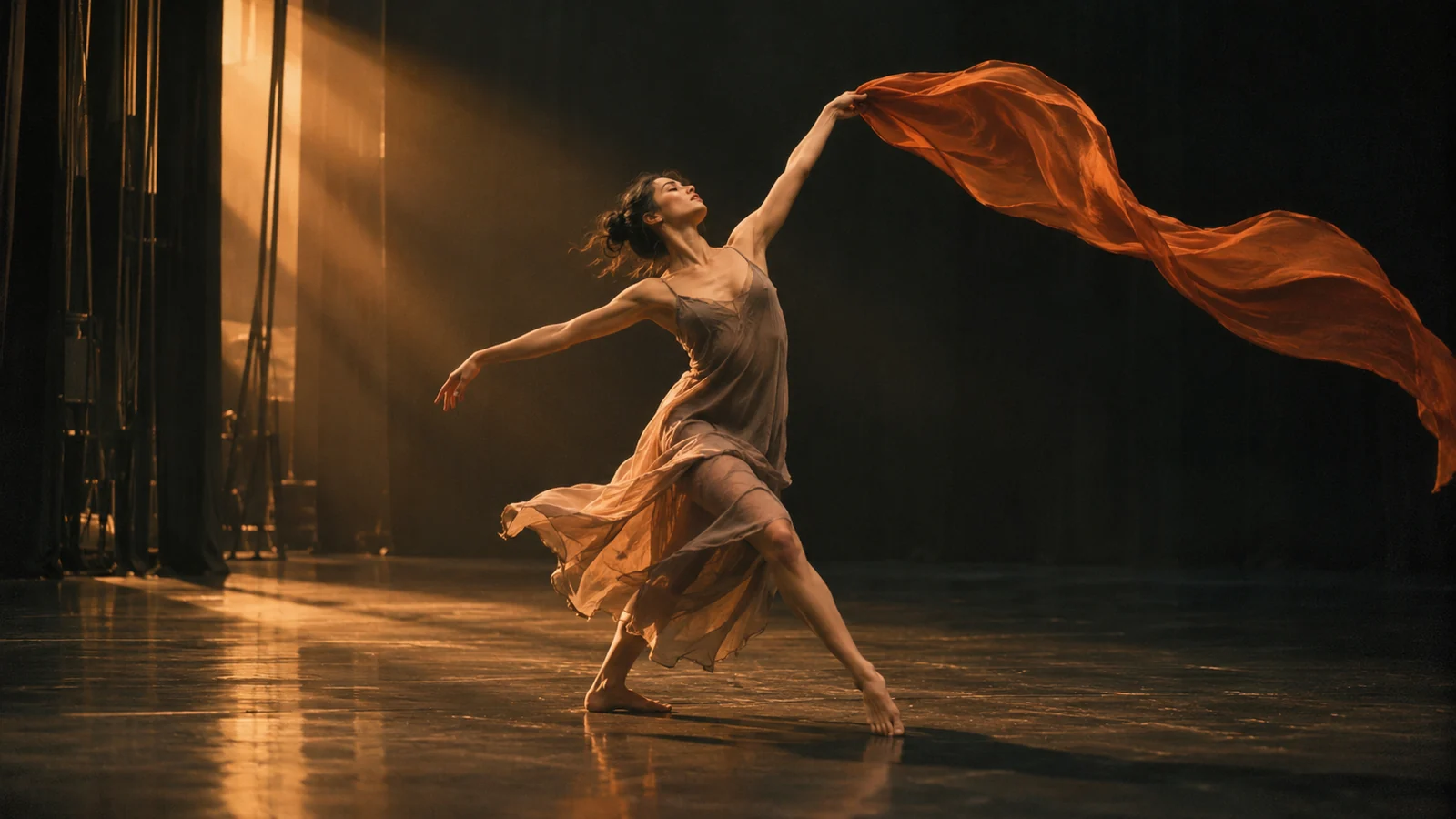
A dancer with an orange scarf on stage
Motion reference

Leave somewhere to go

Use the AI image generator to compose a starting frame with open space ahead of the subject. A later movement then has a clear direction.

Working method

From an AI image generator brief to a selected still

Begin with a sentence you could give to a photographer. Keep a copy of that sentence while you work. Each time you return to the AI image generator, change one visible property and compare the result against your saved AI image generator result.

  1. 01

    Name what must read

    Write the subject, the action or pose, and the framing. “A baker lifts the lid of a pot, viewed at counter height” gives the AI image generator a position for the hands, a reason for the gesture and a place for the camera. If steam is important, include a dark area behind it so the fine edges can show.

  2. 02

    Choose an AI image generator input

    Use text in the AI image generator when you want to explore the scene from scratch. Choose a compatible reference mode when the shape or arrangement already exists. Check the selected model and the settings shown in the tool. A photograph with an unobstructed silhouette can be easier to describe than one with reflections or foreground objects breaking up the contour.

  3. 03

    Review AI image generator results in two passes

    Look at the whole image first. Check the eye line, relative sizes and silhouette. Then inspect the AI image generator result up close for hands, edges, labels and reflections. If the AI image generator has produced a beautiful background that competes with the subject, request less detail there. Adding more detail to the subject alone might make the two areas compete even more.

  4. 04

    Keep a useful comparison

    Save the result that answers the brief. To compare a lighting change in the AI image generator, keep the viewpoint and subject wording stable. Describe where the new light falls and inspect its shadow. When sharing options, give each version a short caption explaining the decision it illustrates so someone else can choose between them.

Practical questions

AI image generator questions

These answers cover the choices most likely to affect a still before you use it in a layout or carry it into a moving shot.

What should I write in the AI image generator for a series of images?

Start with a shared description of the setting, subject and light. Keep that part intact when you ask the AI image generator for the next panel. Change the framing or pose in a separate sentence. Put the resulting pictures side by side and look for visual landmarks, such as the side of a jacket that catches the light. Select panels that can plausibly follow one another.

How can I leave space for a headline in the AI image generator?

Give the AI image generator a composition with a quiet area for the headline. Name the side, approximate space and background tone. Try the draft headline over the result in your layout at its final size. If the background makes words hard to read, ask the AI image generator for a broader, plainer surface behind that region and keep the lettering editable in your design.

How much detail belongs in an AI image generator prompt?

Add details that would change your choice between two pictures. A softly lit ceramic cup and a sharply lit metal cup call for different reflections. A list of vague quality adjectives gives the AI image generator much less direction. If several instructions describe competing styles, start with the one that matters to the brief and introduce a second quality only after the main idea reads.

Can I use an AI image generator result as a reference for video?

Choose a frame with a readable subject, a deliberate crop and room for the planned movement. In a video mode that accepts images, use that still as the starting reference and describe what moves. An AI image generator can give you an opening composition to discuss with an editor. Check the moving result separately, especially where a hand, reflection or edge passes in front of something else.

How can I check the cost of another AI image generator attempt?

Check the settings and credit estimate in the AI image generator before submitting. A model or setting change can affect the estimate. To make a comparison meaningful, decide which revision you need first. For example, if the pose is right but the horizon distracts, keep the pose description and write a revision for the background. Review the displayed cost again once the new settings are in place.

MAGI-2

Try your brief in the AI image generator

Start with the detail that makes your project recognizable. Use the AI image generator above to test a composition and choose the still you want to take forward.